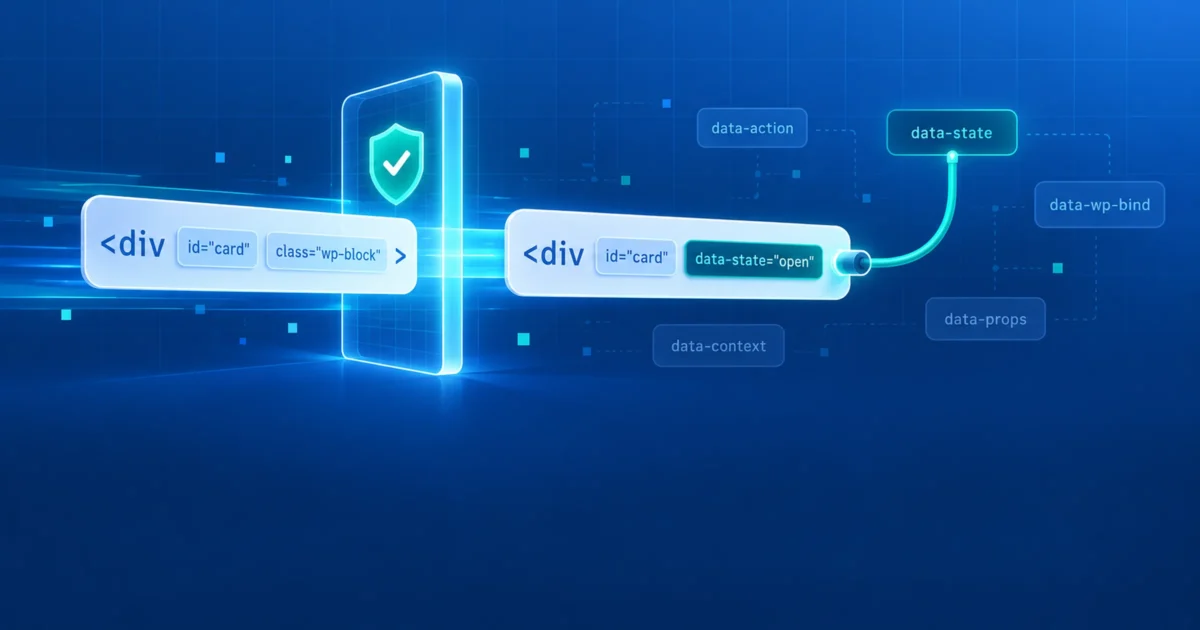
Update to WordPress 7.1.4 now. Then, if you build blocks or themes with the Interactivity API, read the second half of this post, because some of your bindings may stop working. WordPress 7.1.4 shipped on October 28 as a security release. Wordfence lists 18 separate vulnerabilities fixed in it. Eight are in the Interactivity API, the framework behind the data-wp-* directives that power interactive blocks. One is an unauthenticated remote code execution bug in the upgrade process itself, and that one is under active attack: Wordfence reported blocking 68,386 attempts in a single day.
At a glance
| Release | WordPress 7.1.4, October 28, 2026 (security release) |
|---|---|
| Fixes | 18 vulnerabilities per Wordfence: 13 stored XSS, an upgrade-window RCE, a clickjacking issue, a stored denial of service, an unpublished-Customizer leak and a Notes authorization bug |
| Worst | Unauthenticated RCE during full-package core upgrades (CVSS 8.1, high complexity), being actively attacked |
| Most common | Stored XSS by Contributor-level users through block markup, mostly via Interactivity API bindings |
| Affected | Varies by bug, from 4.7 through 7.1.3. The Interactivity API bugs date back to 6.4 or 6.6 |
| Fixed | 7.1.4. Backports to older branches (back to 4.7) were announced as “in progress” |
| CVEs | None assigned yet |
First: the upgrade-window RCE
When WordPress installs a full core package, it unzips it into wp-content/upgrade/, copies the files into place, then deletes the staging folder. In 7.1.3 and earlier, that staging folder had a predictable name (the package name, such as wordpress-7.1.4) inside a web-served directory. For the few seconds the upgrade takes, a complete, unconfigured copy of WordPress sits at a URL an attacker can guess, including its installer scripts.
7.1.4 changes three things. The staging folder gets a random suffix from wp_generate_password(). An index.php stops directory listing from revealing that name. And the copy step now refuses to copy any wp-config.php it finds in the staging folder. That last change shows what the attack is: get the staged installer to write a configuration file, then let the upgrade copy it over yours.
The timing is tight, which is why it’s scored high complexity. It doesn’t need to be easy to be worth it, though: the attempts Wordfence is seeing are automated requests aimed at sites in the middle of updating. Researcher credit goes to Umut Bayram.
Whatever your version, the staging folder never needs to be reached over the web. Upgrades work through the filesystem. On Apache or LiteSpeed, a wp-content/upgrade/.htaccess closes it:
Require all deniedOn Nginx:
location ^~ /wp-content/upgrade/ { deny all; }The Interactivity API fixes
The Interactivity API lets blocks declare behavior in HTML attributes: data-wp-interactive starts an interactive region, data-wp-context holds JSON state, data-wp-bind--href sets an attribute from that state, and data-wp-on--click attaches a handler. A small runtime in the browser reads those attributes and does the work.
All eight bugs come from the same gap. KSES, WordPress’s HTML filter, checks post content when it’s saved: no onclick, no javascript: URLs. But a data-wp-bind-- directive replaces an attribute’s value later, when the page renders, from state the author also controls. KSES approved the attribute as written, and the runtime wrote something else into it. Since KSES lets data-* attributes through, anyone who can write post content, down to the Contributor role, could use directives. The individual bugs were different ways through that gap:
- Event handlers: binding an
on*attribute, which is script by definition. - URLs: binding
href,src,formactionand similar to ajavascript:URL. - Object elements: binding an
<object>’sdatato load an admin page inside a post, then tricking an administrator into clicking (clickjacking). - Reserved names: binding framework-internal properties, or using
__proto__,constructorandprototypein contexts and directive names to pollute JavaScript prototypes. - Data shadowing: the runtime found its trusted configuration by element ID without checking it was a
<script>, so a post could plant a matching element first. - Router: client-side navigation parsed any successful response as HTML, so an uploaded text file could be served as a page (Author role and above).
- Denial of service: malformed directive maps and bindings that crash rendering for the whole page.
The release credits several researchers and members of the WordPress Security Team, many of whom found these independently. That usually means a weak spot became obvious to everyone looking at it at once.
What changed, and what may break
The fixes sit in three layers: the browser runtime, the server-side directive processor and KSES. If you write interactive blocks, these are the behavior changes to test:
data-wp-bind--on*is ignored. Any binding whose attribute starts withonis dropped, with a console warning in development builds. If you ever bound a handler that way, move it todata-wp-on--clickand friends, which is the supported route anyway.- URL attributes are filtered. Bound values for
href,src,action,formaction,poster,xlink:hrefand a dozen more pass through a URL check that rejectsjavascript:, including versions padded with control characters and line breaks. Normal URLs are unaffected. <object>takes a short allow list. On anobjectelement, onlyaria-*, non-directivedata-*, and attributes such asclass,id,style,widthandheightcan be bound. The server removes anything else and logs a_doing_it_wrong()notice.- Reserved keys are rejected.
__proto__,constructorandprototypeare refused as namespaces, directive name parts and context keys, and stripped when JSON is parsed. You weren’t using those deliberately, but generated keys from user data could collide. - KSES drops some bindings. If KSES restricts an attribute’s values on an element (with
valuesorvalue_callbackrules), it now removes adata-wp-bind--directive for that attribute from user content. A binding can’t be used to get around a rule KSES applies to the value. - Trusted data must be a script. The runtime now reads its configuration only from a real
<script>element with the expected ID.
To find the patterns most likely to be affected in your own code:
grep -rnE "data-wp-bind--(on|href|src|action|formaction|data)" wp-content/themes wp-content/plugins --include=*.php --include=*.html --include=*.js | grep -v node_modulesAny hit isn’t a bug by itself. The question for each is where the bound value comes from. If it can come from anything a user typed, 7.1.4 is now filtering it for you. Make sure the result still behaves the way you expect.
The other nine
Besides the upgrade bug and the Interactivity API, the release is a tour of classic mistakes, and several make good code-review checklists:
- Categories block: a user-supplied dropdown label was used as a
sprintf()format string after sanitizing. Never let user text become a format string. Pass it as an argument. - Block delimiters: the PHP block parser and the JavaScript block parser treated unusual whitespace differently, so the same content parsed into different blocks on each side. Two parsers for one format will always be a target.
- Image and Playlist blocks: attributes were inserted into stored HTML with regular expressions instead of the HTML API.
- Post Navigation and Comments Pagination labels: output wasn’t escaped.
- Customizer selective refresh: partial data declared in post content was trusted in the Customizer preview.
- Customizer changesets: an anonymous preview request without a changeset ID picked up the latest unpublished changeset, leaking unpublished Customizer changes. This one needs no login.
- Privacy requests and user logins: two admin-screen XSS bugs from unescaped email addresses and login names. Both were reported by Anthropic. The login bug needs another component to save a login core would normally reject.
- Notes: a custom role that can moderate comments could read, edit and delete editorial notes on posts it can’t edit.
The release also updates the bundled root certificates after the eMudhra revocation.
What to do
1. Update
wp core version
wp core update
wp core verify-checksums
Sites with automatic background updates should already be on 7.1.4. Check anyway. If you’re on an older branch, check whether its backport has shipped. The announcement said backports would follow as they became ready.
2. Close the upgrade folder
Add the wp-content/upgrade/ rule above. It costs nothing and covers the next staging-path bug too.
3. Check your blocks
Run the grep above against your own themes and plugins, and load each interactive block with SCRIPT_DEBUG on, so the runtime’s new warnings show in the console. Check the PHP error log for the new _doing_it_wrong() notice about object bindings.
4. Review who can write content
Twelve of the 18 bugs need nothing more than a Contributor account. If your site hands out Contributor, Author or custom roles to people outside your team, through guest posting, membership plugins or a multi-author newsroom, this release mattered more to you than to a single-author site.
wp user list --role=contributor --fields=ID,user_login,user_registered
wp user list --role=author --fields=ID,user_login,user_registered
Where sources disagree
- How many fixes. The release post groups several issues into single lines, such as “multiple stored XSS issues in the Interactivity API.” Wordfence lists 18 separate entries. Coverage that says “six fixes” or “a dozen” is counting lines in the announcement.
- CVE numbers. None has been assigned yet. Wordfence lists every entry as “CVE ID Unknown.”
- Exploitation. Only the upgrade-window RCE has attacks reported. Nobody has reported the Interactivity API bugs being exploited.
The bigger lesson
A sanitizer can only vouch for what it sees. KSES checked the attribute; the Interactivity API rewrote it afterward. Any time code changes HTML after it has been filtered, whether that’s a framework binding, a regular expression in a block’s render callback, or a second parser with slightly different rules, the filter’s approval no longer covers what reaches the browser. The fix is the same each time: check values at the last step, where they actually land in the page, not only the first.
The upgrade bug is the same lesson about files: a staging copy of WordPress in a web-served folder is still WordPress, for as long as it exists. Folders that only code needs should not be reachable by URL.
Sources
- WordPress.org: WordPress 7.1.4 release announcement
- Wordfence: Unauthenticated upgrade-window staged-installer RCE
- Wordfence: Stored XSS via Interactivity API event handler bindings
- Wordfence: Stored XSS via Interactivity API prototype pollution
- Wordfence Intelligence: WordPress core vulnerabilities (all 18 entries)
- WordPress Developer Resources: Interactivity API reference