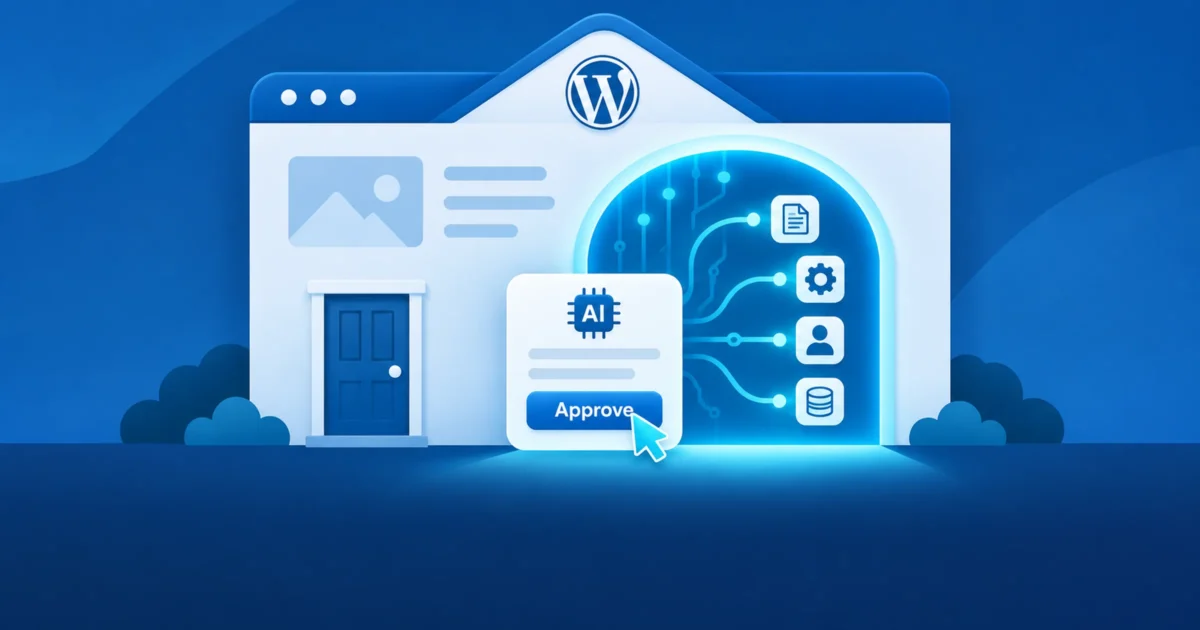
For twenty years, the question about a WordPress plugin was “what does it add to the site?” With AI plugins, there’s a second question: what does it let an AI do to the site, and who gets to connect one? A bug in AI Engine published on October 30 shows why that second question matters more.
What happened
AI Engine is a popular plugin, with about 90,000 active installs, that adds chatbots and AI tools to WordPress. It also includes an MCP server. MCP, the Model Context Protocol, is the standard way AI assistants such as Claude and ChatGPT connect to outside systems and use their tools. Connect an assistant to AI Engine’s MCP server, and it can work on your site: write and edit posts, manage users and menus, change settings, read error logs, and much more.
To connect, an assistant goes through OAuth, the same “Sign in with…” approval flow you’ve used a hundred times. The app registers itself with your site, you see a consent screen, you click Approve, and the app gets a token. In AI Engine, that token carries administrator-level access.
CVE-2026-110732 (CVSS 7.5) was in that flow. In versions 3.8.6 and earlier:
- Anyone could register an app, with any name and any address to send the approval back to. That part is on purpose: MCP’s sign-in flow relies on open registration (OAuth Dynamic Client Registration), so assistants can connect without setup. It meant an attacker could register an app that pointed back to a server they control.
- The consent screen could be loaded inside another site. It had no protection against framing. An attacker could load it invisibly under a harmless-looking page and trick a logged-in administrator into clicking Approve without seeing it. This trick is called clickjacking.
Put together, an attacker with no account could end up holding an administrator’s MCP token, and with it, full control of the site through MCP’s tools, including creating users and changing options. It needed one click from an administrator, which is why the score isn’t higher. Reported by satoshigpt2021-sketch.
What the fix tells you
AI Engine 3.8.7, released October 23, fixed it. The changelog says the sign-in page “can no longer be framed by another site, shows where the app sends you, and warns when an app calls itself Claude or ChatGPT without being it.” I read the code for 3.8.6 and the current 3.9.3 side by side. What changed:
- The consent page now refuses to load inside a frame.
- It shows the domain the approval will be sent to.
- If an app’s name claims to be Claude or ChatGPT but its address doesn’t belong to them, it shows a warning.
What didn’t change: anyone can still register an app. That’s by design, because the protocol depends on it. But it means that on any site running an MCP server like this one, the lock on the front door isn’t a password. It’s an administrator reading a consent screen and deciding whether to click. The developer’s own comment in the fix says as much: the deliberate click on Approve is the only thing between an attacker and an admin token.
That’s worth thinking about for a minute. How carefully do your administrators read “Sign in with…” screens?
The door is getting wider
The changelog in the weeks since tells the rest of the story. The releases since 3.8.7 added MCP tools that edit Elementor, Divi and Beaver Builder pages, manage WooCommerce coupons and subscriptions, read form entries, list and describe database tables, and read the error log. They also added good safeguards: read-only connections, approvals before deletions, and one-click undo.
One more change: in 3.8.6, the MCP module was off by default. In the current version, it’s on by default. On a new install, an AI front door now exists from the moment the plugin is activated, whether or not anyone plans to use it.
None of this makes AI Engine a bad plugin. The developer fixed the bug quickly, and has been adding the right kind of safety features. The point is what an MCP server is: an API with administrator access, designed to be driven by software that acts on what it reads. Every tool added is something an AI can do, and something a stolen token can do.
What to do if you run AI Engine
- Update. Anything below 3.8.7 has this bug. The current version is 3.9.3, and the releases in between fixed several other security issues too.
- Decide whether you need MCP at all. If nobody connects an AI assistant to the site, turn the MCP module off in AI Engine’s settings. A door you don’t use should be a wall.
- Look at who’s connected. The MCP tab lists connected apps and recent activity. Remove anything you don’t recognize, and anything you don’t use anymore.
- Use the safeguards. Make connections read-only unless they need to write, keep approvals on for deletions or every change, and set
DISALLOW_FILE_EDITinwp-config.php, which AI Engine’s file tools now respect. - Read consent screens. Only click Approve when you started the connection, right now, and the address it sends you to is the one you expect. Tell your other administrators the same.
Nobody has reported this bug being exploited, and CISA’s enrichment marks it as not automatable. It needs a person to fall for it. That’s the point.
The bigger picture
Every AI plugin that offers an MCP server, or lets a chatbot take actions, is adding an administrative interface to your site. Some will be well built, like this one after its fix. Some won’t. Before you install one, it’s worth asking the same questions you’d ask about any other way into the admin:
- Who can connect, and what does connecting require?
- What can a connection do, and can I limit it?
- Where do I see what it did, and can I undo it?
- Is it on by default, and can I turn it off?
This is the same idea I keep coming back to on this site: plugins should earn their place. AI features make it more important, not less. A chatbot that answers questions is a feature. An AI that can rewrite your site is an administrator, and administrators get vetted.